
Virtual tour or immersive video?

Photo: Curtis Adams · Pexels
Article contents↓
Choosing between a 360° virtual tour and an immersive video isn’t just a technical question: it’s a strategic choice that directly impacts your results. Advantages, costs, property type for each format, and the winning combination when you can do both. The guide to decide for your brokerage.
Why the choice between them is strategic in 2026#
In real estate, you no longer have the luxury of offering nothing. Buyers explore 97% of their searches online before picking up the phone. And among them, 63% have made an offer without a prior in-person showing.
That means your static photo no longer cuts it. You have to offer something more immersive. But which to choose: the 360° virtual tour (free exploration) or immersive video (guided experience)? It’s not a binary choice. It’s a strategy question: which property, which buyer type, what expected return. We’ll cover both formats one by one.
360° virtual tour: how it works#

Photo: Format · Pexels
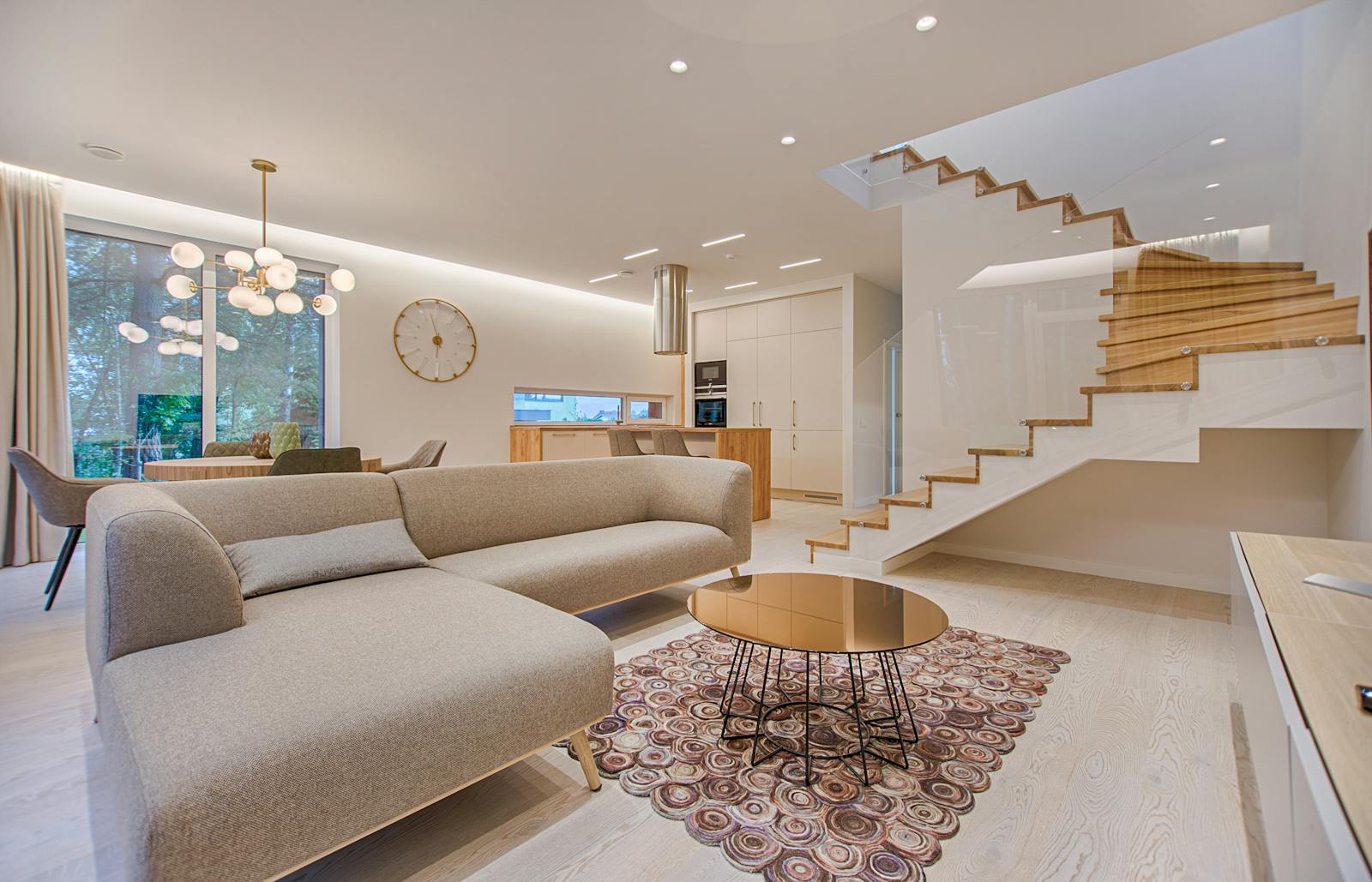
A 360° virtual tour is a series of panoramic photos of each room of the property. The buyer explores freely: zooms, rotates, moves at their own pace. Dominant tools: Matterport and Zillow 3D Home. Per Matterport, 95% of buyers are more likely to contact the agent after exploring a 360° tour.
The concrete workflow#
- Rent or buy a 360° camera, or hire a vendor
- Photograph each room in 360°
- Upload via Matterport or equivalent
- Buyer accesses via a link and explores
The advantages#
- Qualitative lead filter: curious users open, but only serious buyers complete the tour
- Accessible to remote buyers: useful if you’re selling in NYC to an out-of-state or international buyer
- +49% more inquiries on average for properties shown in 360°
- Long-lasting visibility: the tour stays online a long time, doesn’t “age” like a feed video
- Easy embed on Zillow, Realtor.com, your site
- Floor plan included: Matterport auto-generates a floor plan, much appreciated by buyers
The costs#
- Ricoh Theta X camera (amateur): ~$350, one-time purchase
- Local vendor: $200-$500 per property, but professional
- Matterport subscription: free for 1 tour, $10-$30/month per plan
The limits#
- Time-consuming gear and editing: configuring, uploading, tagging each room takes time
- No mood or emotion: it’s factual, cold. The buyer sees what exists, not potential
- Demanding connection: some buyers suffer from lag
- Matterport pricing climbs fast if you handle several properties per month
- Several-day lead time between shoot and going live
Narrated immersive video: emotion as a bonus#

Photo: cottonbro studio · Pexels
An immersive video is a short, dynamic, narrated video. An agent or narrator tours the property: walks, talks, shows the details, tells the property’s story. Example: “Here’s the kitchen, look at the depth of the room. The glass doors open onto the yard.”
The key difference vs 360° is emotion and narration. It’s no longer passive exploration: it’s storytelling. For the cinematic version of the format (drone, color grade, scripted narration), see our guide on cinematic real estate video.
The advantages#
- Emotion and narrative: video creates an emotional connection 360° doesn’t
- Massive social share: Instagram Reels, TikTok, YouTube Shorts. A good real estate video generates up to +403% more leads
- Authentic and persuasive: buyers trust live video more than photos or 360°
- Short time: 2-3 minutes are enough to tell the property’s story
- No blocking tech: everyone knows how to watch a video on their phone
- Creative editing: music, captions, transitions—you can elevate the experience
The limits#
- Editing required: you have to film and edit, or pay someone to
- Less filtering: a video is easy to watch, so it also attracts the curious
- No free exploration: you show what you decide to show, the buyer doesn’t control the path
- Limited duration: beyond 3-5 min, attention drops. On a big property, you have to make choices
- Presentation required: the narrator has to be comfortable on camera (or use an AI voiceover)
Which format for which property type#
| Property type | 360° tour | Immersive video | Recommendation |
|---|---|---|---|
| Standard 1BR / 2BR apartment | ★★ | ★★★ | Video: fast to film, easy to share |
| Family home 5+ rooms | ★★★ | ★★ | 360°: free exploration is preferable |
| High-end ($1M+) | ★★★ | ★★★ | Both: qualitative filter + storytelling |
| Investment studio | ★ | ★★★ | Video: everything visible in 1 min |
| Entire building / HOA | ★★★ | ★★ | 360°: buyers want to explore common areas |
| Property with urgency | ★★ | ★★★ | Video: faster to produce |
360° qualifies. Video seduces. The right format depends on who you want to convince, and when.
The hybrid solution: combine both#
You don’t have to choose. The best results come from combining both formats. To go deeper on this combination’s effect on the sales cycle, see our guide on AI in the real estate transaction.
The typical scenario for an ambitious brokerage#
- 360° tour for all properties: it’s your safety net, “I missed nothing, buyer can explore”
- Immersive video for priority properties: best listings, high-end, urgent sales
- Video distribution on social media: Reels, TikTok, brokerage site—see how to create real estate Instagram content that performs
Estimated cost for an active brokerage#
- 3-5 properties per month in 360° = $700-$2,500 depending on vendor
- 1-2 immersive videos per month = $400-$1,000 with outsourced editing
ROI: a property presented with AI and quality visuals sells on average 25% faster. On a $750K family home, that’s several weeks saved—a commission cashed faster, and a listing freed up for the next.
And if you could only do one#
If you’re starting out and have to pick one format, choose immersive video. For three reasons: it spreads on social media (so it builds awareness on top of selling the property), it can be produced with a smartphone and a $100 mic, and it speaks to the widest buyer profile in 2026. 360° comes next, when you move upmarket and want to filter leads.
The real cost beyond the sticker price#
Comparing a 360° virtual tour and an immersive video on their sticker price alone is the classic mistake brokerages make when they start. The real calculation factors in hidden costs that flip the equation in 70% of cases. A virtual tour at $300 can end up costing three times more than an immersive video at $700 once you factor in content shelf life, update costs, and the reuse value across other marketing channels.
The first hidden cost is content fragility. A 360° virtual tour becomes obsolete the moment a piece of furniture moves or a wall gets repainted. Every change to the property forces a full reshoot. An immersive video keeps its narrative value even if the property evolves slightly, because it sells an atmosphere more than a geometry. For properties undergoing renovations or sold furnished-negotiable, this reshoot cost can amount to 200-300% of the initial price over the listing period.
The second hidden cost is cross-channel reusability. A well-shot immersive video can be re-cut into 8-12 formats: Instagram Reel, TikTok, Facebook story, LinkedIn ad, email opening, YouTube content, seller appointment intro. A virtual tour stays locked inside its 360° player. The reuse value of a well-made video is typically 5x higher over 12 months, which radically changes ROI when you calculate cost per impression instead of cost per listing.
The third hidden cost, more subtle, is agent mental load. A virtual tour requires coordinating a specialized photographer, uploading to a third-party platform, sharing through a dedicated link — friction that discourages serial production. An immersive video can be shot in 30 minutes on a smartphone, edited in an hour, and shared immediately. Across 30 listings a year, this friction gap represents several hundred hours of actual working time saved.
Questions we get asked.
What’s the difference between 360° virtual tour and immersive real estate video?
A 360° virtual tour lets the buyer navigate room by room at their own pace — better for geometry. An immersive video is a scripted 60-90 second journey — better for selling atmosphere and lifestyle. Video re-cuts into 8-12 social formats; the tour stays locked in its 360° player.
How much does a virtual tour vs an immersive video cost?
A 360° virtual tour costs $250-$500 per property (camera equipment, hosting platform). An immersive video costs $0 (smartphone) to $1,500 (pro production). But hidden costs flip the equation: video reuses across 8-12 marketing channels, virtual tour stays single-use.
For which property type should you choose immersive video over virtual tour?
Immersive video for: properties that need to sell fast (marketing ROI), high-end properties (telling the story), small spaces (360° makes them look smaller). Virtual tour for: geometrically complex properties, remote buyer transactions, second-home markets where the buyer explores before traveling.
How do you combine virtual tour and immersive video on the same listing?
Optimal combo for premium listings: 360° virtual tour for qualified buyers who want deep exploration, plus a 90-second immersive video for social distribution and hook. Total cost $500-$800, ROI measurable from week one in showing requests.

























Have something to say?No comments yet
Share your take, ask a question, or tell us about your brokerage experience. Moderation is fast.